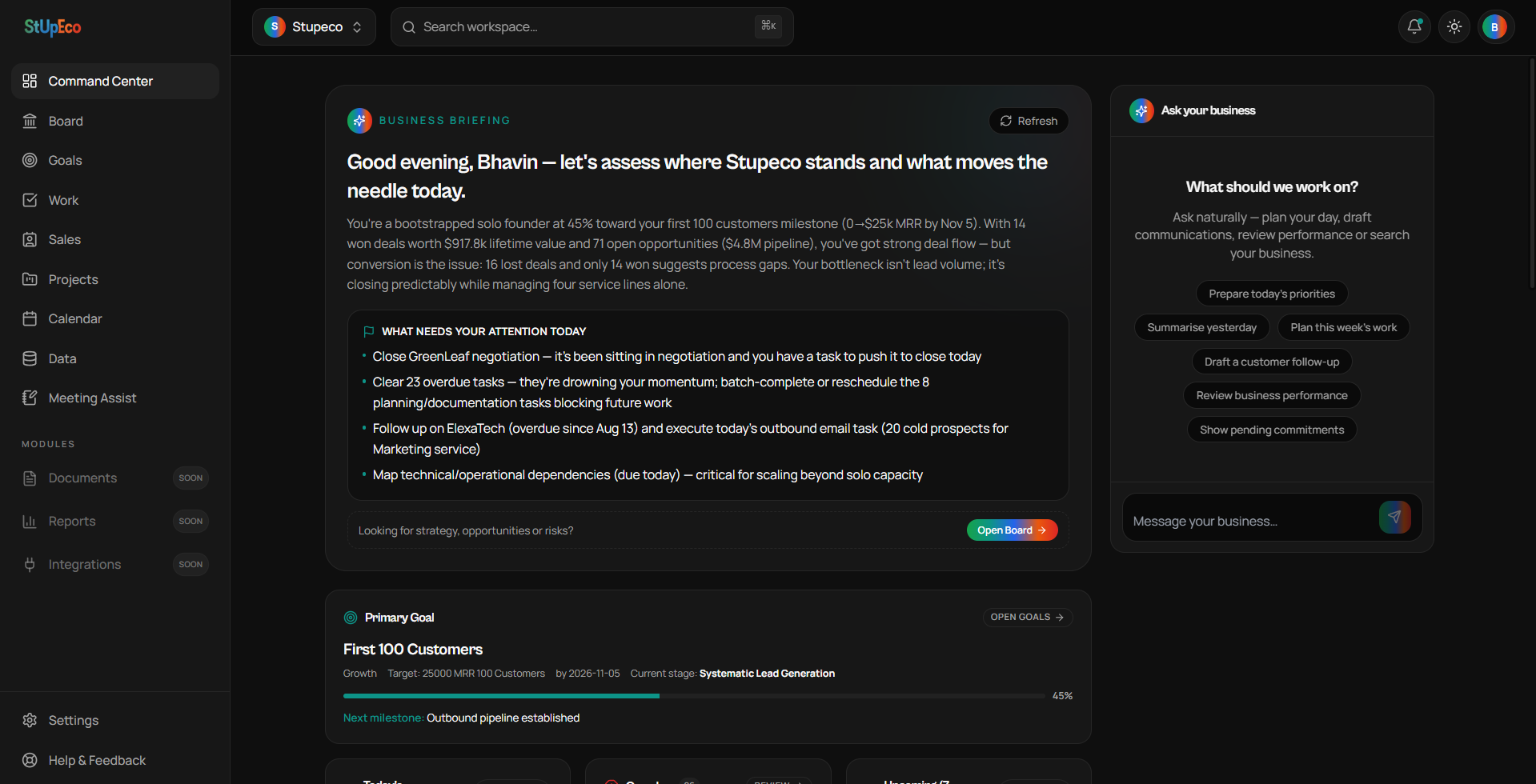
WorkSpace is a Progressive Web App. That means you can use it in your browser or install it for app-like access — without downloading a large traditional application.
Android
- Open WorkSpace in Chrome.
- Tap the browser menu (three dots).
- Select 'Install app' or 'Add to Home screen' when available.
- Launch WorkSpace from your device home screen.
iPhone / iPad
- Open WorkSpace in Safari.
- Tap the Share button.
- Choose 'Add to Home Screen'.
- Launch WorkSpace from your home screen.
Windows / Mac
- Open WorkSpace in a supported browser (Chrome, Edge, Arc).
- Look for an 'Install' option in the address bar or browser menu.
- Once installed, WorkSpace opens like a native app.
Why install it?
- Quick launch from your home screen or dock.
- App-like window without browser chrome.
- Same underlying WorkSpace — no data duplication.
- Updates arrive automatically without manual downloads.
Enjoying the series?
Get the next article in your inbox.
Keep reading