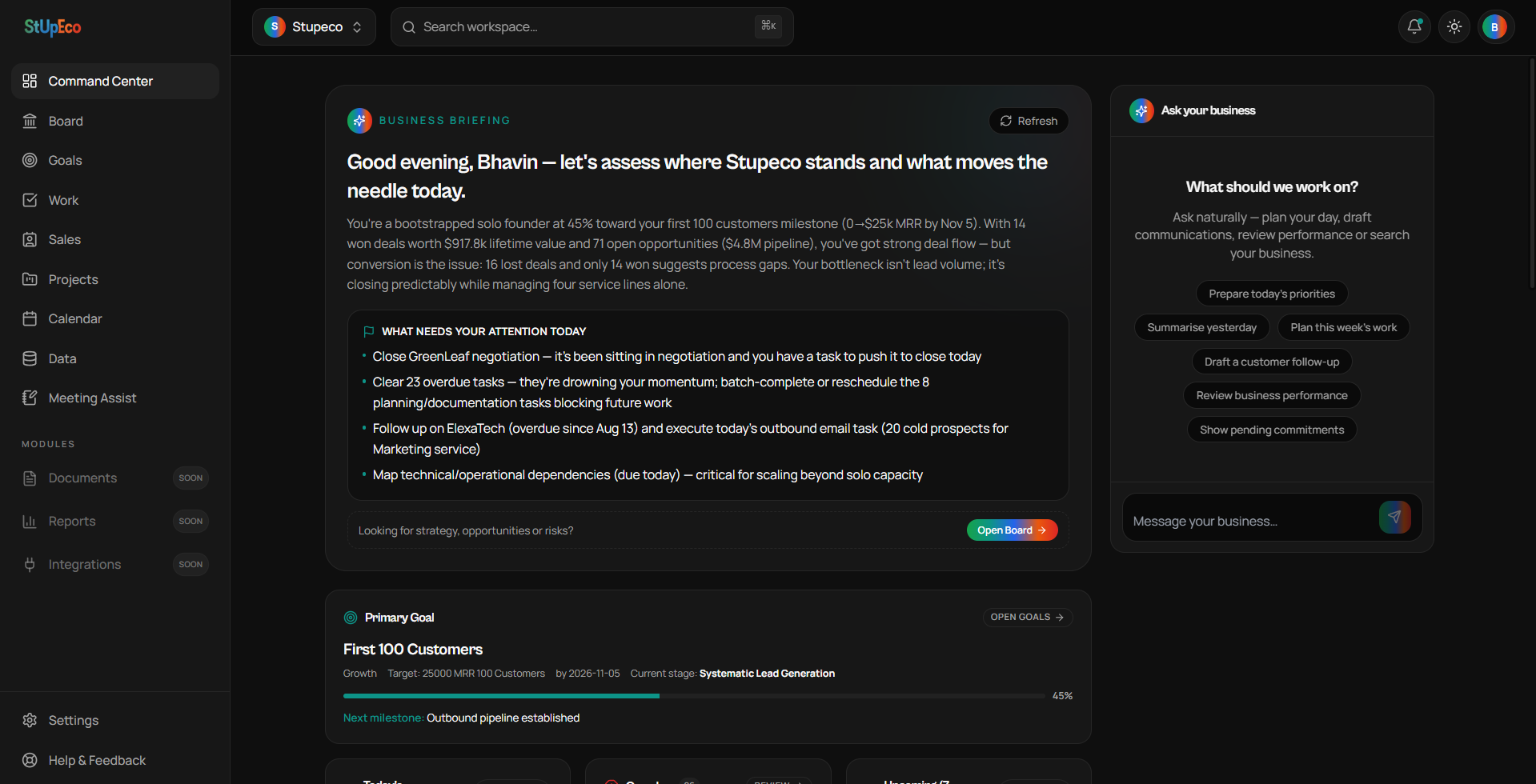
Command Center = RUN. Board = THINK. Keeping this distinction clear is the single biggest way to get value out of WorkSpace quickly.
What Command Center is for
- Seeing today's priorities in one glance
- Catching overdue work before it snowballs
- Spotting deals that need follow-up
- Checking your upcoming commitments
- Watching goal progress and pipeline pulse
What Command Center is NOT for
- Strategic brainstorming — open Board
- Long-term planning — Board + Goals
- Detailed CRM work — open Sales
- Building custom trackers — open Business Data
A simple morning routine
Open Command Center. Read the Business Briefing. Clear or reschedule anything overdue. Send one follow-up. Look at your upcoming commitments. That's your day framed in under five minutes.
Enjoying the series?
Get the next article in your inbox.
Keep reading